Floating Between Notes
[SONG_TITLE] = enter song title here
Prompt Text
[SONG_TITLE] = enter song title here
[ARTIST_NAME] = enter artist name here
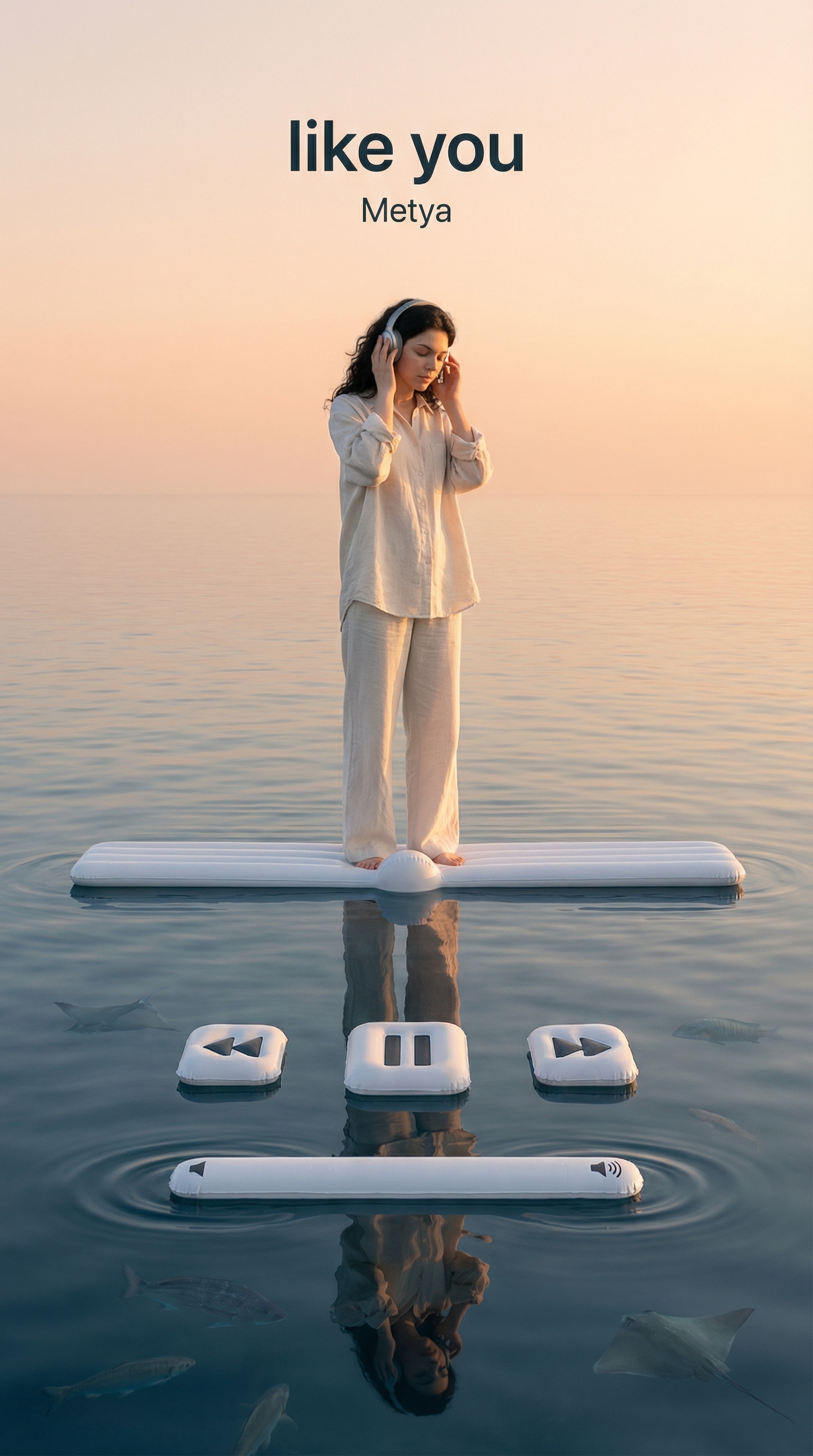
Create a surreal photorealistic editorial image designed as a vertical music player in 9:16 aspect ratio.
Use the person from the provided reference image as SUBJECT and strictly preserve facial features body proportions and overall identity.
Explicitly replace SUBJECT’s original clothing and do not preserve or reuse the outfit from the reference image.
Dress SUBJECT in a clearly different minimal modern outfit that visually fits the mood of the song.
Ensure the outfit change is obvious in silhouette color and materials compared to the reference image.
Use a frontal eye level camera with perfectly centered and symmetrical framing.
Set the entire background as a calm sea extending infinitely with soft waves and realistic reflections.
Introduce the music player as a single unified system locked to the water surface plane.
Define the water surface as the absolute horizontal reference plane for all UI elements.
Place exactly one progress bar as a thin inflatable white strip resting flat on the water surface.
Lock the progress bar orientation so its long axis is parallel to the horizon and perpendicular to the camera view.
Ensure the progress bar lies fully flat on the water surface with zero vertical tilt rotation or standing orientation.
Add a small raised inflatable bump on the bar to represent the current playback position.
Place SUBJECT standing on top of the progress bar directly above the raised progress point.
Show SUBJECT in a music listening pose with both hands holding the headphones.
Keep elbows slightly outward shoulders relaxed and posture balanced.
Tilt the head slightly and keep eyes closed or looking downward as if immersed in the music.
Create a clear mirror like reflection of the progress bar and SUBJECT on the water surface.
Place the music player control elements on the water surface below the progress bar.
Design the previous, pause and next buttons as inflatable objects resting flat on the water.
Ensure all control buttons lie horizontally on the same plane as the water surface.
Arrange the buttons in a single straight horizontal row centered under the progress bar.
Add one inflatable sound bar beneath the control buttons.
Ensure the sound bar also lies flat on the water surface and follows the same horizontal axis.
Render all inflatable UI elements partially submerged while keeping their top faces level and parallel to the horizon.
Create subtle water ripples reflections and displacement around each floating element.
Include marine life beneath the water surface at different depths such as fish rays and soft silhouettes.
Apply realistic refraction light caustics and volumetric depth transitions in the water.
Display [SONG_TITLE] at the top center of the frame using clean minimal typography.
Display the text with strong color contrast against the background using dark text on light sky or light text on dark sky.
Place [ARTIST_NAME] directly below the song title in a smaller simpler text style with matching contrast.
Adjust sky color ambient light and overall mood to match the emotion of the playing song.
Ensure the final image feels iconic calm surreal and like a paused music player moment.
Related Prompts
Anime Dioramas
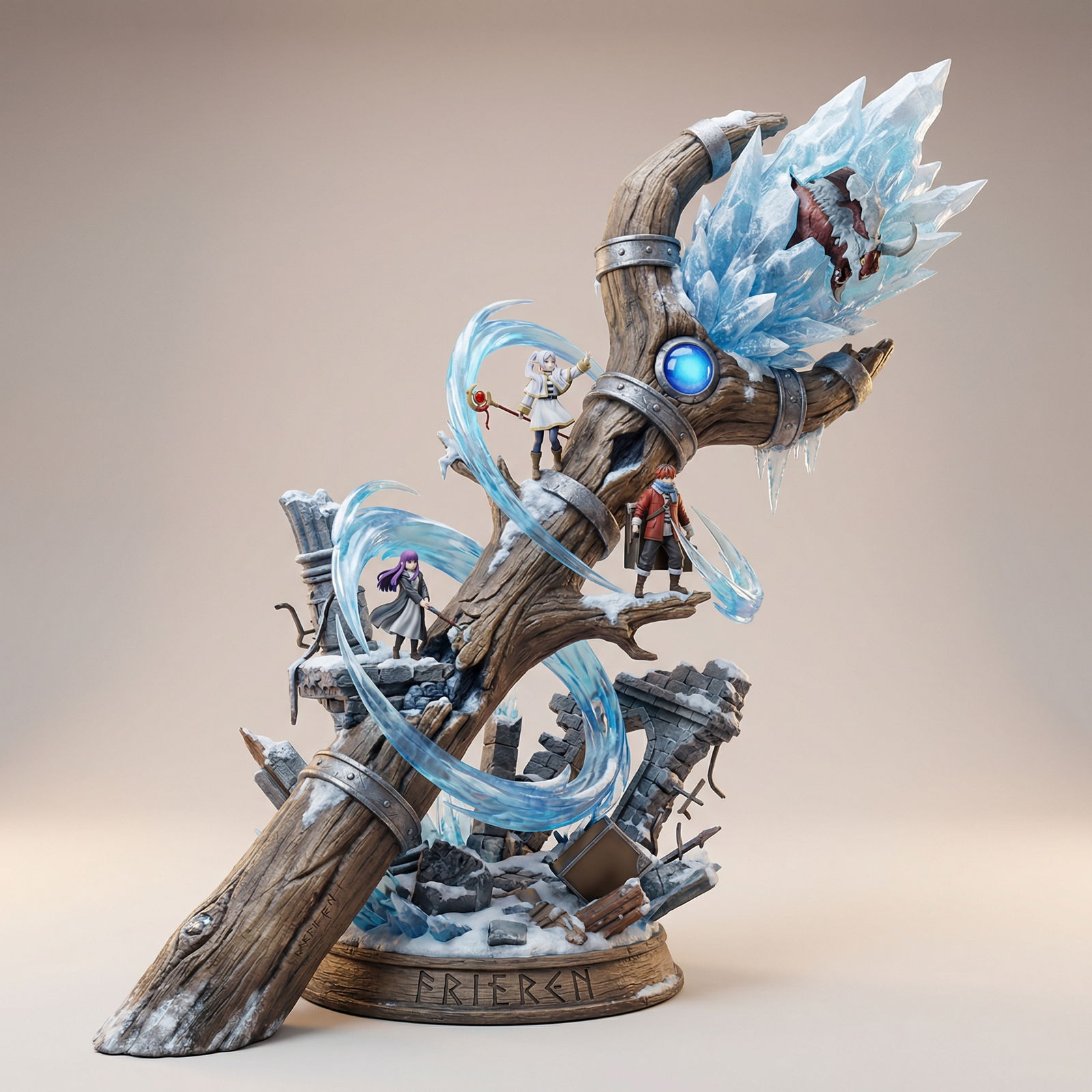
Use "Anime title here" as ANIME.
Other
sref 4213079995
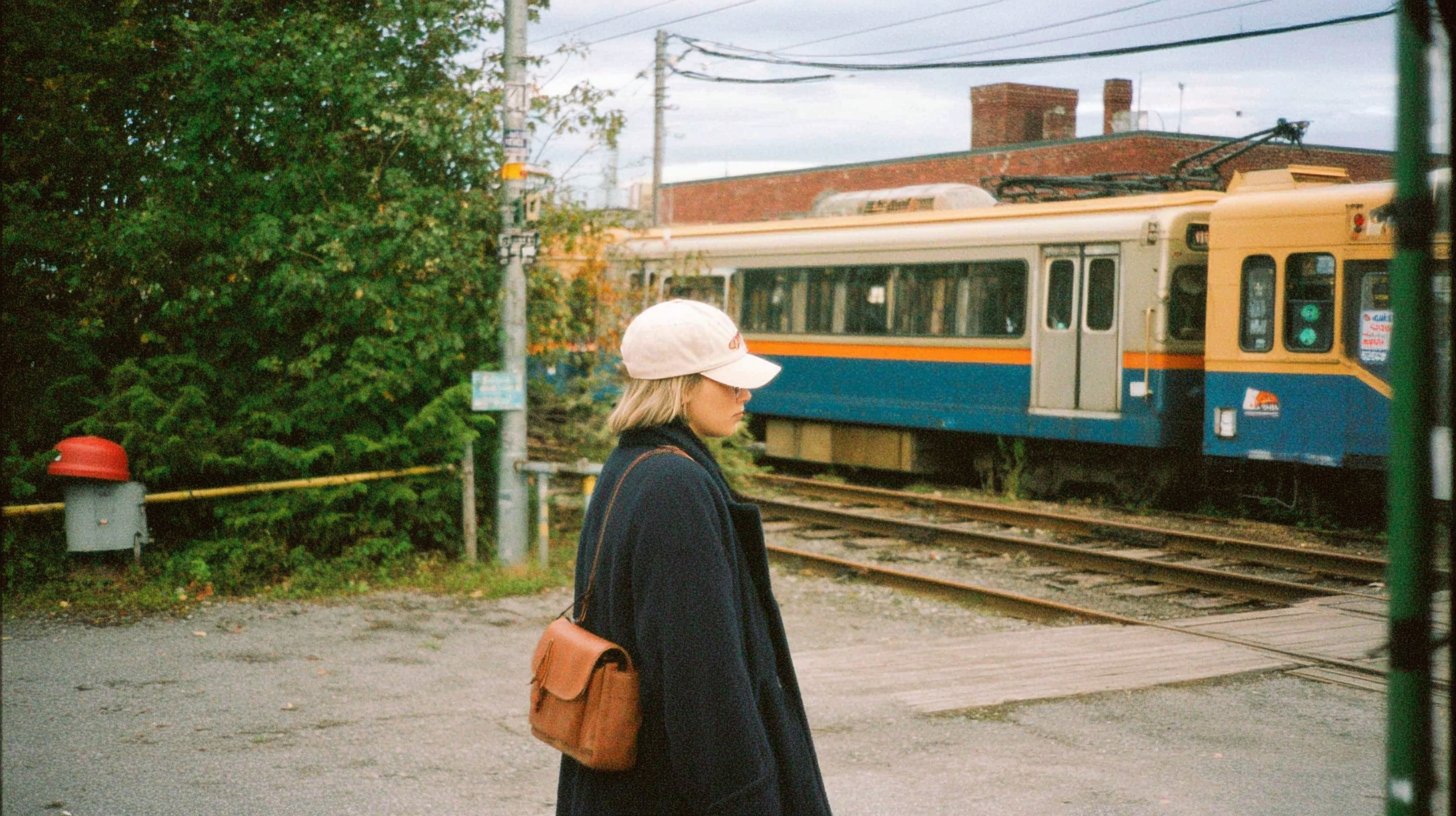
--sref 4213079995 — Created with Midjourney v7
Other

Refined Portrait Generation Prompt
A detailed prompt fragment for generating a highly refined portrait of a woman in a private bathroom setting, emphasizing intense afternoon sunlight, a relaxed posture, and elegance, based on a user-provided portrait.
Other
Blessed is the ignorant
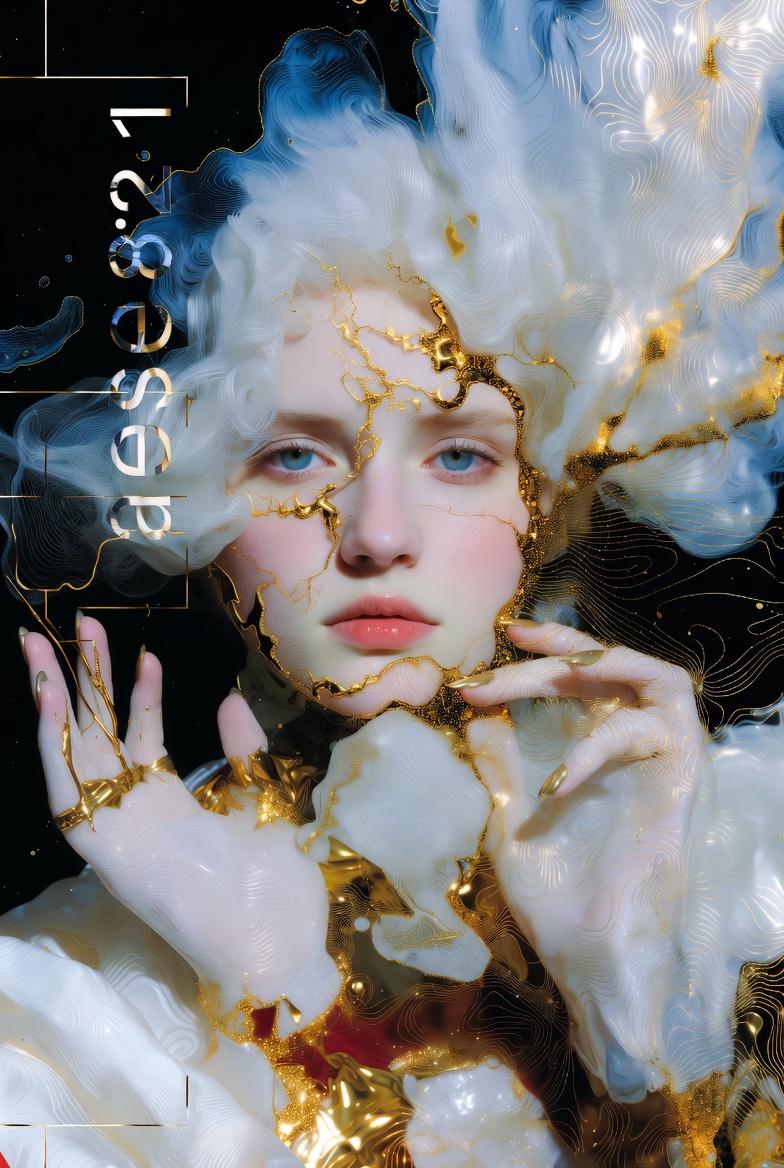
cosmogonic liminality unknowncores ccrecore transtrans{samesame} by archociturall Blacklightdawn 9⁸7⁶5⁴3²1 Quantized ㅐ애 Leftside. Ethrilcore, lustrious neutr... — Created with Groq 4.1
Other
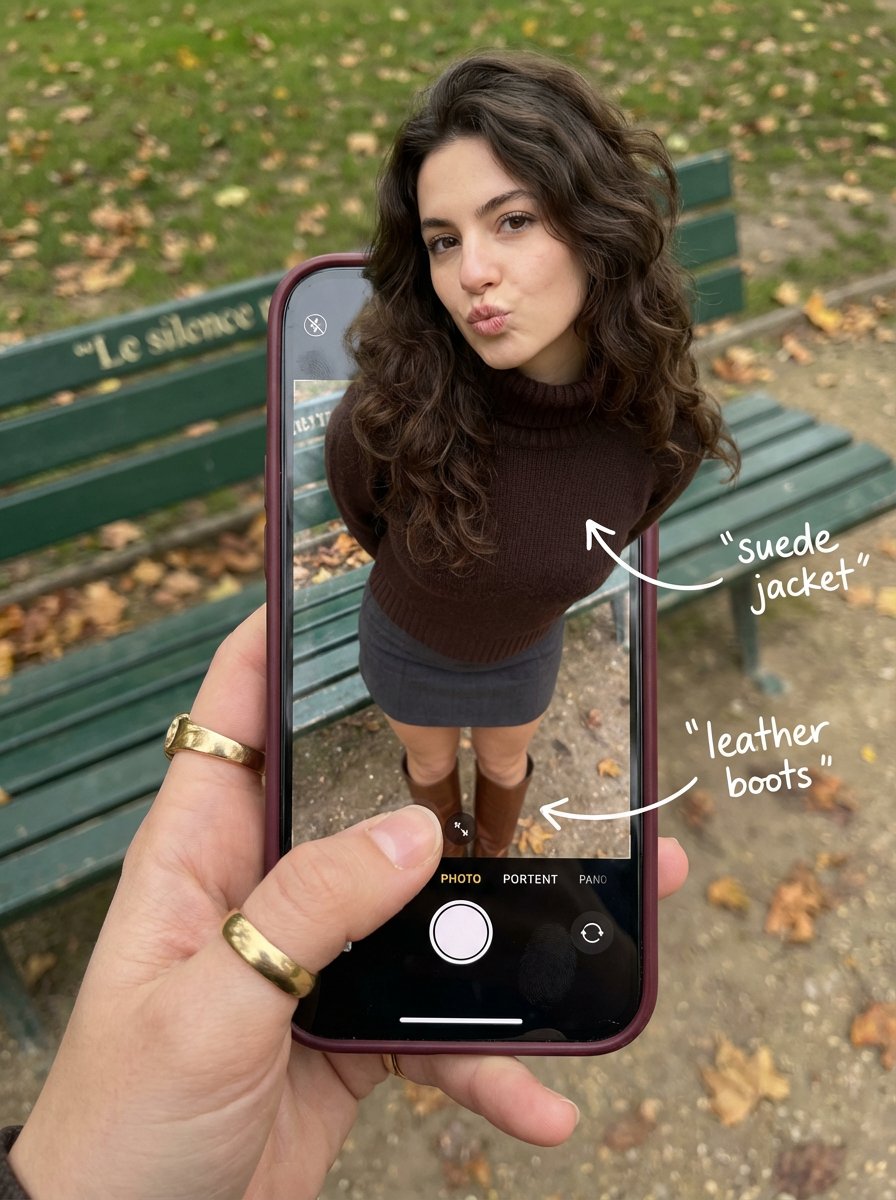
Outfit Pop-Out Phone Illusion Portrait
Create some interesting image effects
Other
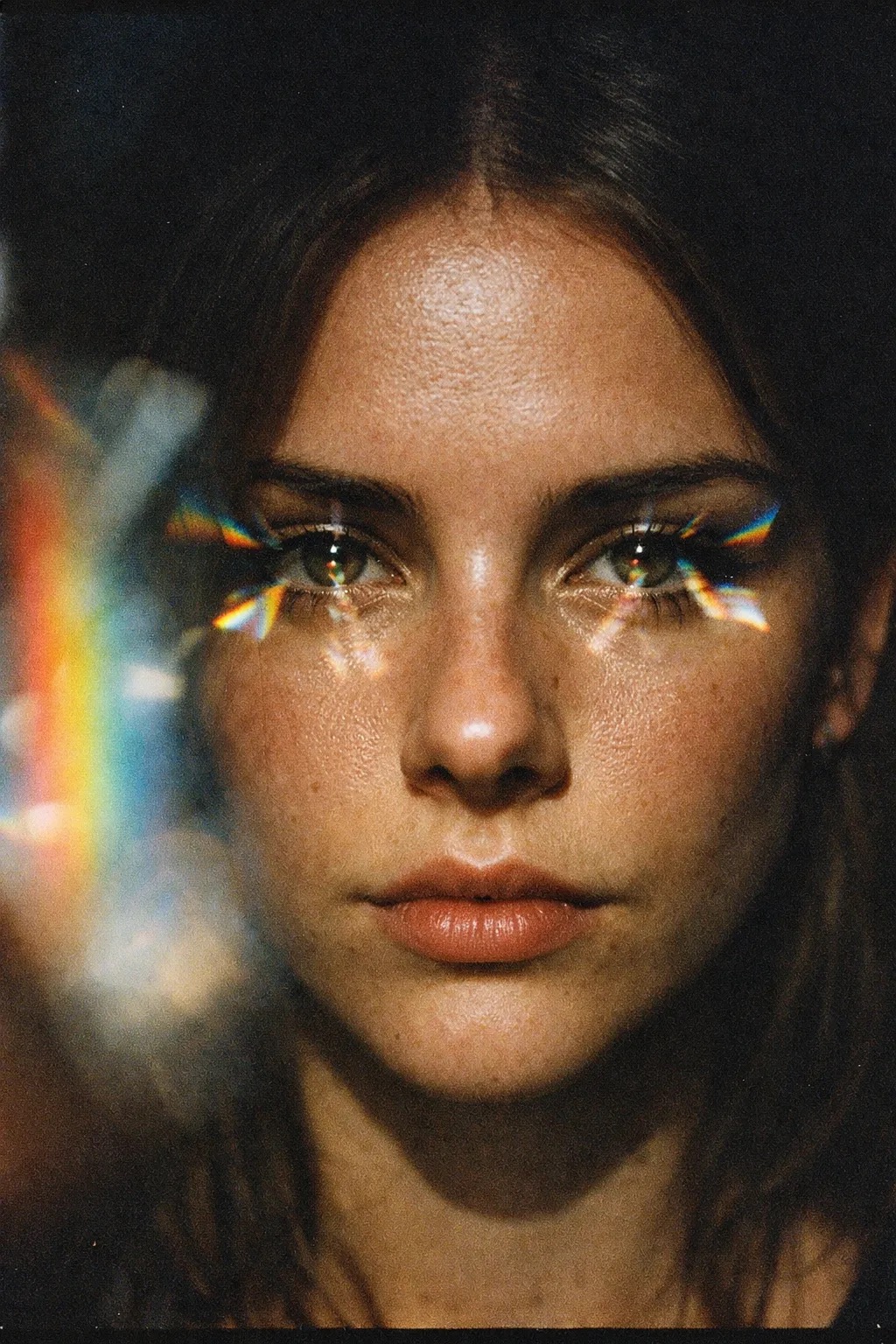
🌈
using the original image 100% - A raw, unedited 35mm film photo of a girl’s face, dramatic butterfly lighting, a glass prism held near the lens creates a sof... — Created with Nano Banana Pro
Other